GitHub Actions Windows runners: why they are slow, measured
We timed the same work on Linux and on each Windows runner. Most of the difference is the disk: work on C: is two to six times slower than on D:. Here is what helps.
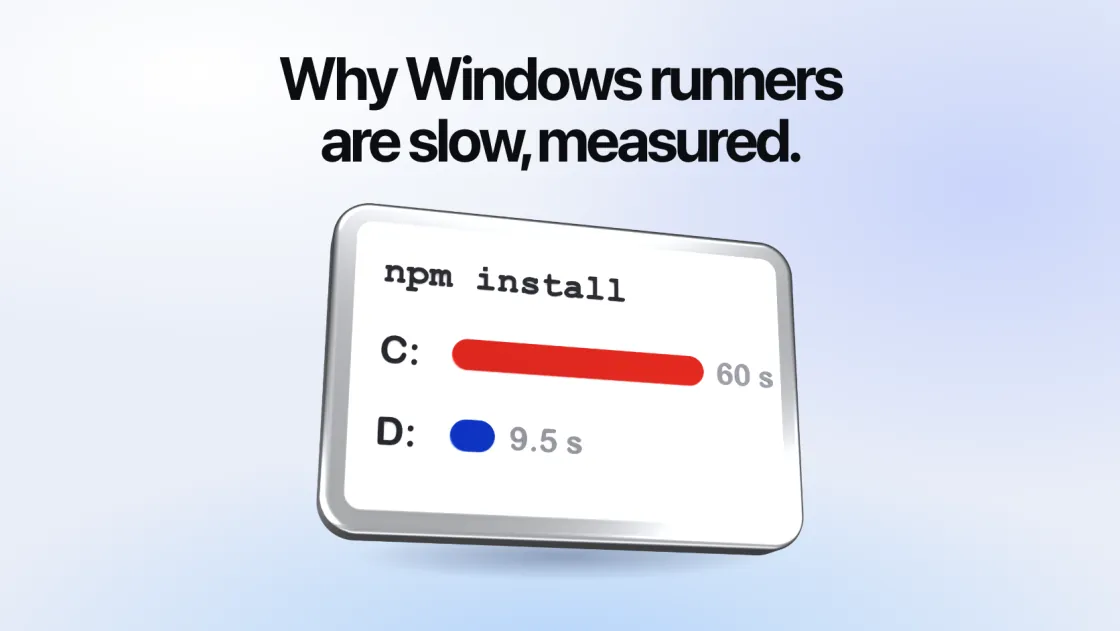
The same job often takes several times as long on a GitHub Actions Windows runner as on Linux. We measured why, on GitHub’s own runners on 27 November 2026: most of the difference is the disk. Windows runners have two drives, and work on C: is two to six times slower than on D:. Here are the runners, what they cost, our measurements, and what helps.
The runners
From GitHub’s runner reference:
| Label | System |
|---|---|
windows-latest, windows-2025 | Windows Server 2025 |
windows-2025-vs2026 | Windows Server 2025 with Visual Studio 2026 |
windows-2022 | Windows Server 2022 |
windows-11-arm, windows-11-vs2026-arm | Windows 11 on Arm64 |
The standard runners have 4 CPUs and 16 GB of memory in public repositories, 2 CPUs and 8 GB in private ones. In private repositories a minute costs $0.010 on either architecture, against $0.006 for Linux (runner pricing). Larger Windows runners, on Team and Enterprise Cloud, run from 4 CPUs at $0.022 a minute to 96 at $0.552; the Arm ones cost 35 to 40% less.
Measured: the same work on Linux and Windows
We ran the same steps in PowerShell on each runner of a public repository (4 CPUs): a shallow clone of microsoft/TypeScript, a clone and npm install of Express 5.1 with an empty npm cache, its test suite, 20,000 files of 2 KB written one by one, and one 2 GiB file. On Windows we ran them once on C: and once on D:, each in a job of its own. Seconds, on ubuntu-24.04, windows-2022, windows-2025 and windows-11-arm:
| Step | Linux | 2022, D: | 2025, D: | 2025, C: | 2022, C: | Arm, C: |
|---|---|---|---|---|---|---|
| Clone | 4.7 | 14.5 | 21.7 | 42.2 | 55.2 | 59.0 |
npm install | 7.4 | 9.5 | 13.2 | 54.6 | 60.0 | 63.5 |
| Small files | 2.6 | 2.8 | 5.6 | 15.9 | 13.9 | 14.0 |
| 2 GiB file | 8.3 | 8.2 | 5.3 | 14.1 | 14.4 | 12.7 |
| Tests | 2.2 | 4.0 | 5.3 | 4.2 | 4.7 | 6.1 |
A private repository’s runners (2 CPUs) gave the same picture: npm install took 13.2 s on Linux, 17.6 to 17.8 s on D: and 59 to 85 s on C:. One run of each, so read the figures as sizes, not exact times.
Why Windows runners are slow
C: is slow. Every step that writes many files took two to six times as long on C: as on D:. On the x64 runners the workspace is on D: (D:\a\…), and so is RUNNER_TEMP (D:\a\_temp). But much else is on C::
| What | Where |
|---|---|
TEMP and TMP | C:\Users\runneradmin\AppData\Local\Temp |
The tool cache (setup-node, setup-python and others) | C:\hostedtoolcache\windows |
| npm’s cache | C:\npm\cache |
| The user profile: NuGet, Cargo, pip, Gradle caches | C:\Users\runneradmin |
Windows Server 2025 is slower than 2022 at small files. On D:, writing 20,000 small files took twice as long on windows-2025 as on windows-2022, which is what GitHub’s maintainers found too: creating and deleting small files is “about 2x slower on Windows Server 2025 than on Windows Server 2022” on the same hardware, which they traced to Windows Server 2025 itself, not to the image. windows-latest is 2025.
The Arm runner has no D:, and Defender is on. On windows-11-arm the workspace is on C:, and Defender’s real-time protection is on; it is off on the x64 images. GitHub has not found a reliable way to turn it off. We tried: Set-MpPreference -DisableRealtimeMonitoring $true reported success and protection stayed on, and the image already excludes C:\ and D:\ from scanning. An extra exclusion for the workspace did not make npm install faster.
Not only the disk. Even on D:, the clone took three to four and a half times as long as on Linux, and Express’s tests twice as long: starting processes and reading files costs more on Windows whatever the drive.
What helps
Keep the heavy work on D:. The workspace and RUNNER_TEMP already are. Point temporary files there too, so that tools that write to TEMP use the fast drive:
- name: Temporary files on D
  shell: pwsh
  run: |
    "TEMP=$env:RUNNER_TEMP" >> $env:GITHUB_ENV
    "TMP=$env:RUNNER_TEMP" >> $env:GITHUB_ENV
Package caches can move the same way (npm_config_cache, NUGET_PACKAGES, CARGO_HOME, PIP_CACHE_DIR). For npm it was mixed: moving its cache to D: took npm install from 16.8 s to 9.5 s on windows-2025, and made no difference on windows-2022 (10.9 s and 11.7 s). Measure your own before relying on it.
Use windows-2022 for jobs that write many small files, such as large C++ builds and CodeQL, as GitHub’s maintainers advise, while it is still supported.
Run only what needs Windows on Windows. In a matrix, Linux can take the bulk of the tests and Windows only the parts that differ: path handling, the installer, native code.
Watch C:’s free space on windows-2025. We found 27 to 30 GB free on its C:, against 77 to 80 GB on windows-2022’s and 73 to 220 GB on D:. A job that fills C: with caches or temporary files runs out there first.
Wait for 30 November. GitHub is formatting D: with ReFS, Microsoft’s Dev Drive file system, on Windows images from 30 November 2026, “to improve disk performance for build and cache workloads”, and moving the Arm runner’s workspace to D:. Our figures are from the NTFS drives before the change.
With SuperCI
SuperCI, which we make, runs GitHub Actions jobs on fresh machines in your own AWS account, Windows among them:
jobs:
  test:
    runs-on: superci/cpu=4/os=windows
That is a Windows Server 2025 machine with 4 CPUs, 16 GB and a 100 GB disk, with the tools of GitHub’s windows-2025 runner, at $0.0037 a minute on a spot machine in us-east-1 on 12 October 2026, against $0.022 for GitHub’s 4-CPU Windows runner. A Windows machine takes longer to start than Linux, about a minute and three quarters when we measured, so for jobs of a few seconds GitHub’s own runner is quicker. Windows runners has the sizes and the rest.
How we measured
A workflow on GitHub’s standard runners, in a public repository (4 CPUs) and a private one (2 CPUs): each image and drive in a job of its own, the steps timed with PowerShell’s Measure-Command, and npm given an empty cache on the drive being measured. Images of mid-November 2026, Node.js 24.
Related: Free disk space in GitHub Actions, measured on Linux, and what a GitHub Actions minute costs.