What a GitHub Actions minute costs in 2026
The prices changed in January, and a charge for your own runners was announced and postponed. Here is what a minute costs today, how it is counted, and how to pay less.
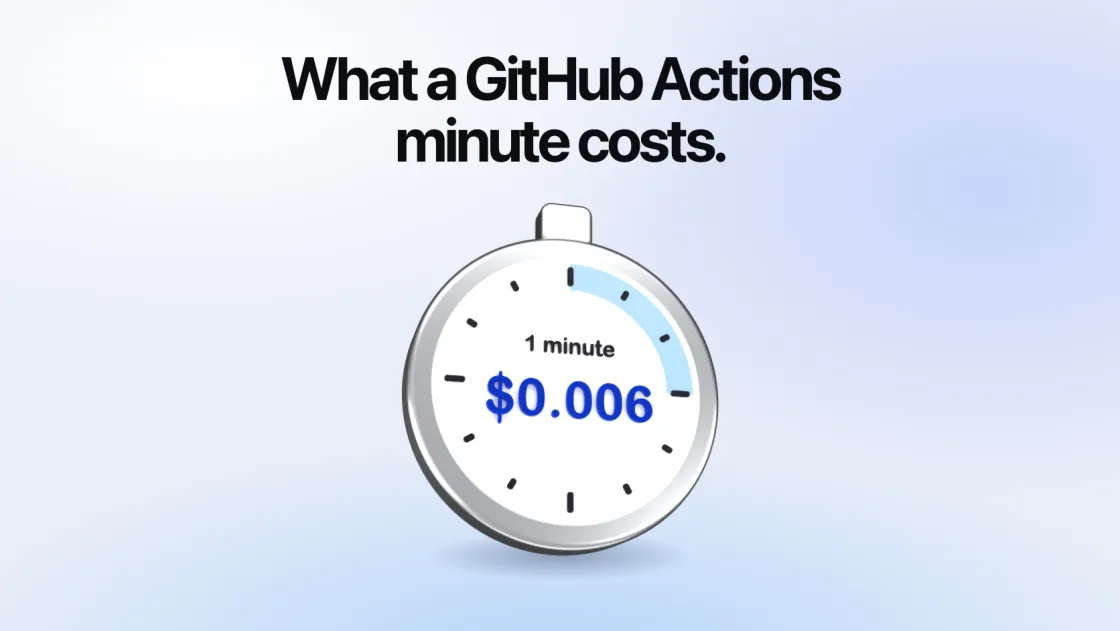
GitHub Actions is billed by the minute, at a price that depends on the runner. The prices changed on 1 January 2026, and a second change, a charge for runners you host yourself, was announced and then postponed. This is what a minute costs today, how the minutes are counted, and what was and was not changed.
The price of a minute
From GitHub’s price list, in US dollars a minute:
| Cores | Linux x64 | Linux arm64 | Windows x64 |
|---|---|---|---|
| 1 | $0.002 | ||
| 2 | $0.006 | $0.005 | $0.010 |
| 4 | $0.012 | $0.008 | $0.022 |
| 8 | $0.022 | $0.014 | $0.042 |
| 16 | $0.042 | $0.026 | $0.082 |
| 32 | $0.082 | $0.050 | $0.162 |
| 64 | $0.162 | $0.098 | $0.322 |
A standard macOS runner is $0.062 a minute, and the larger M2 Pro one $0.102. A 4-core Linux runner with a GPU is $0.052.
The 2-core rows (and the 1-core one) are standard runners. Everything with 4 cores or more is a larger runner, and that difference matters more than the price.
How minutes are counted
Each job is rounded up. “GitHub rounds the minutes and partial minutes each job uses up to the nearest whole minute.” Ten jobs of twenty seconds are ten minutes.
Your plan includes minutes, for standard runners only. Free has 2,000 a month, Pro and Team 3,000, Enterprise Cloud 50,000.
Larger runners are never included. GitHub’s words: “Larger runners are always charged for, even when used by public repositories or when you have quota available from your plan.” They also need the Team or Enterprise Cloud plan.
Public repositories are free on standard runners, without limit.
Storage is separate. Artifacts are $0.25 a GB a month beyond the plan’s allowance. The cache is free up to 10 GB a repository, then $0.07 a GB a month.
So a team on the Team plan that runs 50,000 minutes a month on the 2-core runner pays for 47,000 of them: $282. The same minutes on the 4-core runner are all paid for, at twice the price: $600.
What changed in 2026
1 January: prices fell. GitHub reduced the prices of its hosted runners “by up to 39%”, least for the small runners and most for the large ones. The prices above are the new ones. They include a new charge of $0.002 a minute that GitHub calls the Actions cloud platform charge.
March: the charge for your own runners did not happen. The same announcement said that from 1 March 2026 the $0.002 would also apply to minutes on self-hosted runners, which had always been free. Within days GitHub postponed it “to take time to re-evaluate our approach”. GitHub’s billing page still says today that Actions usage “is free for self-hosted runners”. We found no later announcement that revives it, in GitHub’s changelog up to this month.
January: two smaller runners. A 1-core Linux runner became generally available at $0.002 a minute, for jobs of up to 15 minutes. And arm64 standard runners came to private repositories, counted against the plan’s included minutes like the x64 ones.
June: one more thing draws on the minutes. Copilot code review on private repositories has used Actions minutes since 1 June.
Paying less
Run fewer minutes. Cancel a run when a newer commit arrives, skip workflows for files that do not affect them, and cache dependencies. This costs nothing and comes first.
Mind the rounding. Many tiny jobs each cost a whole minute. Steps in one job share theirs.
Use arm64 where it works. The same cores cost a sixth less at 2 cores, and a third less or more from 4 up.
Use the 1-core runner for jobs that only call an API or post a comment.
Run the large jobs elsewhere. The larger runners are where the bill grows, because nothing of them is included. Hosted runner services charge less per minute for the same cores, and a machine in your own cloud account costs less again: four CPUs on an AWS spot machine came to about $0.0014 a minute on 8 October 2026, against $0.012 on GitHub. Minutes on runners of your own are free on GitHub’s side. We compare the two routes with GitHub’s runners and with the hosted services, and the first post here has the whole sum for a spot machine.
SuperCI, which we make, is one way to do the last of these: it starts a fresh machine in your AWS, Cloudflare or Modal account for each job. It is open source and costs nothing itself.