GitHub Actions Ubuntu 26.04: what changed and what breaks
ubuntu-latest now runs Ubuntu 26.04, with Python 3.14, Java 25 and Docker 29. Here is what changed, what has broken for others, and the fix for each.
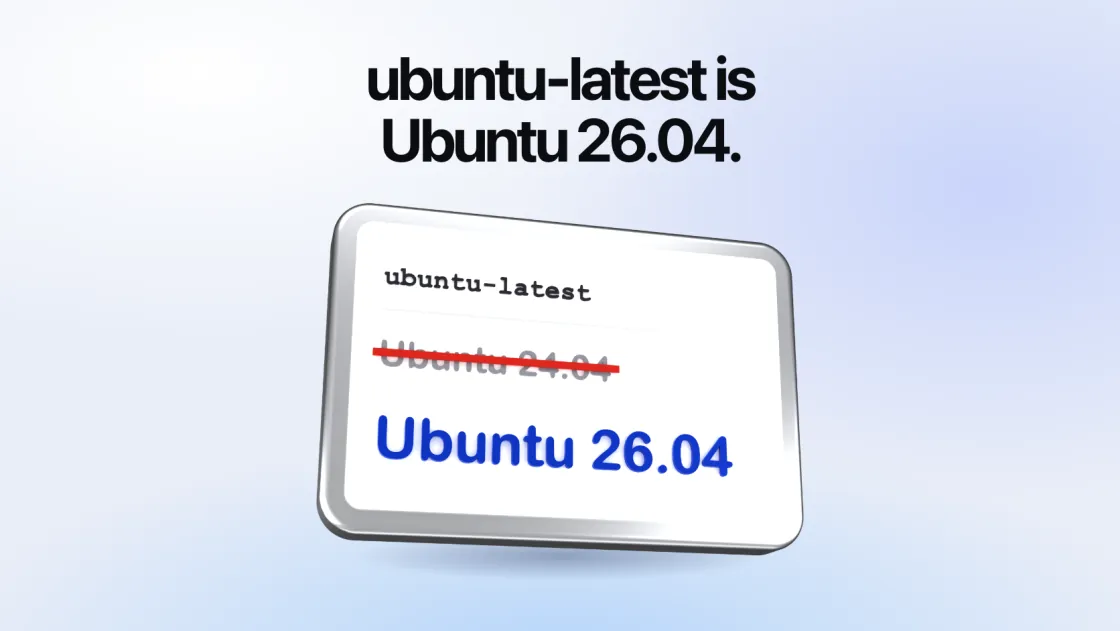
GitHub has moved ubuntu-latest to Ubuntu 26.04. The switch ran from 19 October to 19 November 2026, so a workflow nobody has touched since September may now run on a new kernel, with Python 3.14, Java 25 and Docker 29. Most jobs do not notice. Here is what changed, the failures people have reported since, and the fix for each.
The quickest way back, while you find out what broke, is to name the old image:
jobs:
  test:
    runs-on: ubuntu-24.04
What changed
From GitHub’s announcement and the lists of software on the Ubuntu 24.04 and Ubuntu 26.04 images, in November 2026:
| Ubuntu 24.04 | Ubuntu 26.04 | |
|---|---|---|
| Kernel | 6.17 | 7.0 |
| systemd | 255 | 259 |
| Python | 3.12 | 3.14 |
| Node.js | 22 | 24 |
| Java, by default | 17 | 25 |
| Ruby | 3.2 | 3.3 |
| GCC | 12, 13, 14 | 13, 14, 15 |
| Clang | 16, 17, 18 | 20, 21, 22 |
| Docker | 28 | 29, with the containerd image store |
| Docker Compose | 2.38 | 5.1 |
| Podman | 4.9 | 5.7 |
| PostgreSQL | 16 | 18 |
| MySQL | 8.0 | 8.4 |
Gone from 26.04: Julia, Miniconda, Pulumi, Mercurial, Fastlane, Lerna, Parcel, Newman and MediaInfo. A job that used one of them now has to install it, for example with conda-incubator/setup-miniconda or pulumi/actions.
The versions you ask for do not change, only the defaults. A job that sets a version in actions/setup-python, setup-node, setup-java or setup-go gets that version on either image, and the 26.04 image already holds Python 3.11 to 3.15, Node.js 22 and 24 and Go 1.25 to 1.27. A job that calls python3 or java without a setup step gets the new default.
Arm is not part of the switch. There is no ubuntu-latest for Arm: ubuntu-24.04-arm stays 24.04, and ubuntu-26.04-arm asks for the new one.
What breaks, and the fixes
Docker builds run out of disk
Docker 29 uses the containerd image store by default, which, a maintainer of the images explained, “keeps both a compressed and an unpacked copy of each image layer”. A build that fit on 24.04 can end in No space left on device. Going back to the classic store fixes it, if the job does not need what containerd adds:
- name: Use the classic Docker storage driver
  run: |
    echo '{"features":{"containerd-snapshotter":false}}' | sudo tee /etc/docker/daemon.json
    sudo systemctl restart docker
No space left on device in GitHub Actions has the other ways to get room.
docker save or docker push fails after a pull
The image ships Docker 29.4.2. When a pulled image shares layers with one already on the runner, but in differently compressed files, that version skips downloading them: the image runs, but docker save and docker push of it fail. Cloud Native Buildpacks’ pack build hits it, because it saves the run image after pulling the builder. The fix is in Docker 29.9.0, and the image’s update to it is still open. Until it lands, the maintainers suggest ubuntu-24.04.
32-bit containers cannot resolve names
Inside an i386 or i686 container, such as manylinux_2_28_i686 for building Python wheels, every name fails to resolve:
Failed to resolve 'pypi.org' ([Errno -2] Name or service not known)Docker 29.4.2’s seccomp profile blocks socketcall, which 32-bit glibc uses for its network calls; 64-bit and musl containers are not affected. A maintainer’s answer: keep those jobs on ubuntu-24.04, or run the container without the seccomp filter. With cibuildwheel:
env:
  CIBW_CONTAINER_ENGINE: "docker; create_args: --security-opt seccomp=unconfined"
“The configured user limit (128) on the number of inotify instances has been reached”
The image writes higher limits for file watchers to /etc/sysctl.conf, and on 26.04 nothing reads that file at boot any more, so the kernel’s defaults stay. .NET test suites that start many hosts with file watching fail with the message above; one report went from passing to 187 of 389 tests failing. Older AddressSanitizer builds crash at start, printing AddressSanitizer:DEADLYSIGNAL, for the same reason. The maintainers’ step, first in the job:
- name: Restore kernel parameters
  run: sudo sysctl -w fs.inotify.max_user_instances=1280 fs.inotify.max_user_watches=655360 vm.mmap_rnd_bits=28
Rootless Podman cannot tear down its network
On 26.04, AppArmor stops Podman from ending its network helper, pasta, so docker compose down through Podman’s socket fails, and podman unshare --rootless-netns exits with 126. Until the fix is in the image, this step, before any rootless Podman networking, lets it through:
- name: Allow podman to stop pasta
  run: |
    sudo sed -i '$ i\  signal (receive) set=(term) peer=podman,' /etc/apparmor.d/usr.bin.pasta
    sudo apparmor_parser -r /etc/apparmor.d/usr.bin.pasta
disk quota exceeded in /tmp
Ubuntu 26.04 puts /tmp in memory, half of it at most. GitHub’s first 26.04 images kept that, and large builds that write to /tmp, such as go build, failed with disk quota exceeded. Since the images of 23 October, /tmp is on disk again on GitHub’s runners. Your own Ubuntu 26.04 machines may still have it in memory; there, point temporary files at the work disk:
- run: echo "TMPDIR=$RUNNER_TEMP" >> "$GITHUB_ENV"Tests fail on a new image with no change in the code
Not every failure after the switch comes from 26.04. Two that looked like it:
- Files in a different order. A program that reads a folder with Python’s
Path.iterdir(), or anything else that lists files in the order the filesystem keeps them, gets a different order on each new image, because ext4’s order comes from a seed set when the image is built. Tests that depended on it failed on 22.04, 24.04 and 26.04 alike. Sort the list. npm error code EALLOWGIT. At the end of October,node-version: latestinactions/setup-noderesolved to an alpha of Node.js 27, whose npm 12 refuses git dependencies by default. Pinnode-version: lts/*, or allow them withnpm install --allow-git=all.
Test both before you choose
A matrix runs the same job on both images, so one run shows what 26.04 changes:
jobs:
  test:
    strategy:
      fail-fast: false
      matrix:
        os: [ubuntu-24.04, ubuntu-26.04]
    runs-on: ${{ matrix.os }}
Pinning ubuntu-24.04 is a stopgap: that image will be retired in its turn, as 20.04 was.
With SuperCI
SuperCI, which we make, runs GitHub Actions jobs on fresh machines in your own AWS, Cloudflare or Modal account. Unless told otherwise, a Linux job gets the Ubuntu that ubuntu-latest does, which is now 26.04. A label chooses:
jobs:
  build:
    runs-on: superci/image=ubuntu24
superci/image=ubuntu26 asks for 26.04, and the default for every job can be set under Workflows → Default machine → Ubuntu in the dashboard. Ubuntu 26.04 runs on AWS for now; Cloudflare and Modal run 24.04. Labels and machines has the rest.
Related: every GitHub Actions limit in one place.