The GitHub Actions 6-hour limit, and how to run longer jobs
A job on GitHub's runners stops at six hours, whatever the workflow says. Here are the limits that apply, and three ways past them.
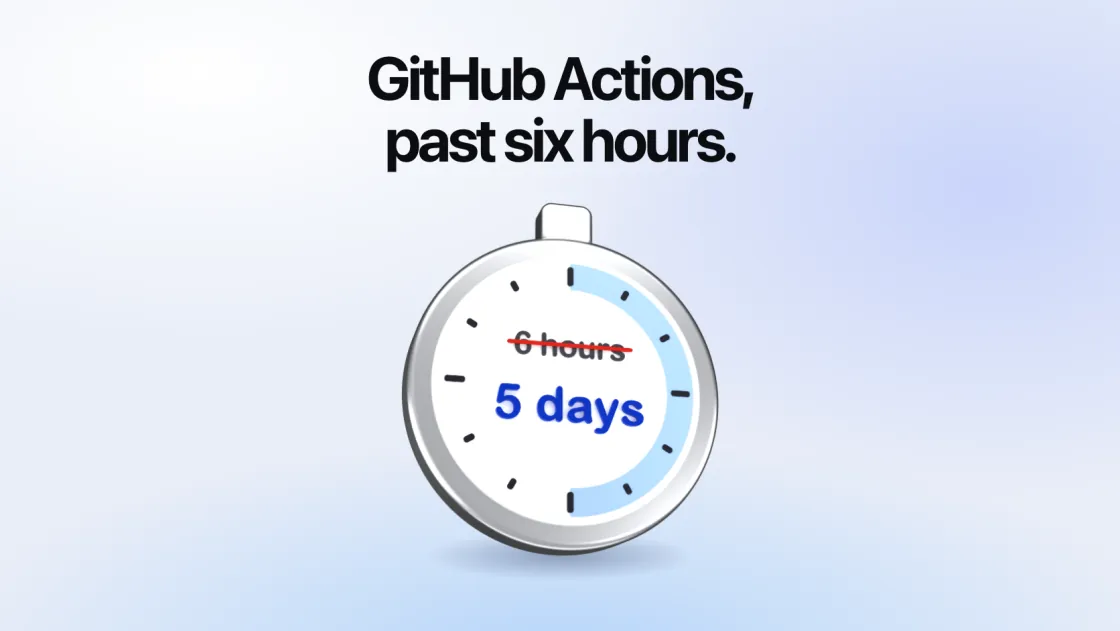
A job on GitHub’s own runners stops at six hours, whatever you write in the workflow. Most jobs are nowhere near it. The ones that are (long test suites, big builds, model training, data jobs) have three ways out: make the job shorter, split it, or run it on a runner whose limit is longer.
The limits
From GitHub’s limits, workflow syntax and GITHUB_TOKEN pages:
| Limit | How long |
|---|---|
| A job on GitHub’s runners | 6 hours |
| A job on your own runners | 5 days |
| A whole workflow run | 35 days |
timeout-minutes on a job, unless set | 360 minutes |
timeout-minutes on a step, at most | 360 minutes, on any runner |
GITHUB_TOKEN | 6 hours on GitHub’s runners, 24 hours on your own |
| A job waiting in the queue for your own runner | 24 hours |
At six hours, GitHub says, “the job is terminated and fails”. Raising timeout-minutes does not help on its runners: “If the timeout exceeds the job execution time limit for the runner, the job will be canceled when the execution time limit is met instead.”
1. Make the job shorter
A job that takes seven hours on 4 CPUs may take two on 16, if its tools use every CPU. That is often the cheapest fix, because a machine with four times the CPUs costs four times as much a minute and runs for a quarter of the time. Faster tests has the measurements, and the flags that test tools need before they use every CPU: Playwright uses half of them by default, and pytest one.
2. Split it
A matrix runs the same job several times at once, each copy with a part of the work, and each copy has its own six hours:
jobs:
  test:
    runs-on: ubuntu-latest
    strategy:
      fail-fast: false
      matrix:
        shard: [1, 2, 3, 4, 5, 6, 7, 8]
    steps:
      - uses: actions/checkout@v5
      - run: npx playwright test --shard=${{ matrix.shard }}/8
A matrix can have up to 256 jobs in a run. For work that has to happen in order (build, then train, then evaluate), split it into jobs joined by needs:, and hand results on with artifacts or a cache. A job that can stop and pick up again from a checkpoint can also be run again and again within one workflow, each time under six hours.
Splitting costs something: every copy repeats the checkout and setup, and the parts have to be glued together again. It is the right answer when the work divides naturally, and a poor one when it does not.
3. Run it on a runner with a longer limit
On your own runners a job may run for five days. Two things change with it.
Set timeout-minutes on the job. The default is still 360, on any runner, so a long job on your own runner stops at six hours unless the workflow says otherwise. A step’s own timeout-minutes can be at most 360, so put the limit on the job:
jobs:
  train:
    runs-on: my-runner
    timeout-minutes: 2880 # two days
Plan for the token. On your own runners, GITHUB_TOKEN “can only be refreshed for up to 24 hours. If your job runs longer than 24 hours, use a personal access token or other authentication method instead.” A job that pushes a commit, comments on a pull request or uploads a release after its first day needs a token of its own for it, such as one from a GitHub App.
Other runners have limits of their own. AWS CodeBuild’s runners stop a build after the project’s timeout, which is 60 minutes unless set and 36 hours at most.
Long jobs and spot machines
A spot machine is the cheapest place for most jobs, and the wrong one for a job of two days. AWS can take a spot machine back with two minutes’ notice, and a job that runs again from the beginning loses everything it had done. Run long jobs on on-demand machines, unless they save checkpoints they can start from.
The price is still far below GitHub’s. A 16-CPU, 64 GB on-demand machine (m8a.4xlarge) was $0.97 an hour in us-east-1 on 12 October 2026: about $47 for two days. GitHub’s 16-core runner is $0.042 a minute, $2.52 an hour, and cannot run the job at all.
With SuperCI
SuperCI, which we make, starts a fresh machine in your own AWS, Cloudflare or Modal account for each job. A job may run six hours, as on GitHub, until you allow longer: under Settings → Limits → Longest job in the dashboard, or with a command:
superci limits update --max-hours=48The longest you can set is five days on AWS and one day on Modal; Cloudflare keeps a container six hours at most. The workflow then says how long, and where:
jobs:
  train:
    runs-on: superci/cpu=16/provider=aws/spot=false
    timeout-minutes: 2880
provider=aws keeps the job off clouds with shorter limits, and spot=false keeps it on an on-demand machine. The machine ends itself at the limit, so a job that hangs does not run for five days. How it works has the rest, and Troubleshooting covers a job that still stops at six hours.